
QR Codes
Simplify collecting Liability Waivers with a QR code
Do your users need to sign a Liability Waiver before starting an activity?
Make it easier for yourself and for them. Collect their signatures in a completely simple way - with the help of a QR code!
bSafe's digital system lets you collect digital signatures without endless piles of paper and unnecessary bureaucracy. Follow the steps below and quickly secure signatures on your Liability Waivers.
- 1
The provider logs into the system at bsafe.si with a username and password.
- 2
Using the Edit button, the provider prepares or inserts an already-prepared Liability Waiver.
- 3
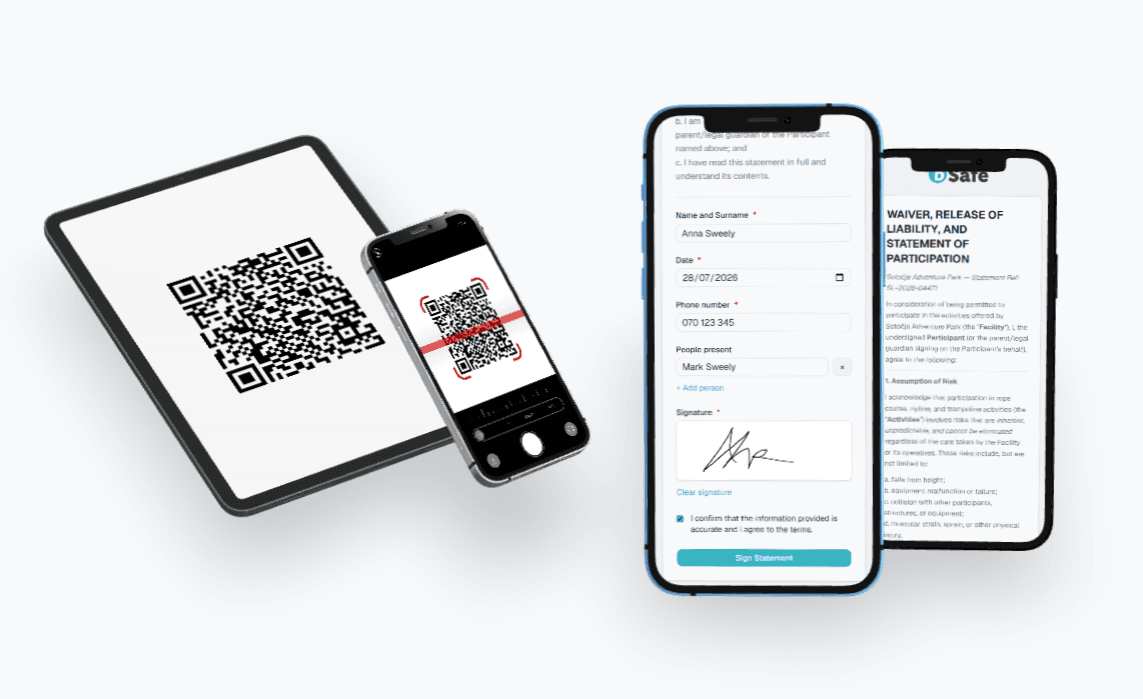
The system generates a unique QR code for the prepared statement.
- 4
The provider clicks Go to Statement, the statement opens in a new window, and its URL can be shared via email or other channels.
- 5
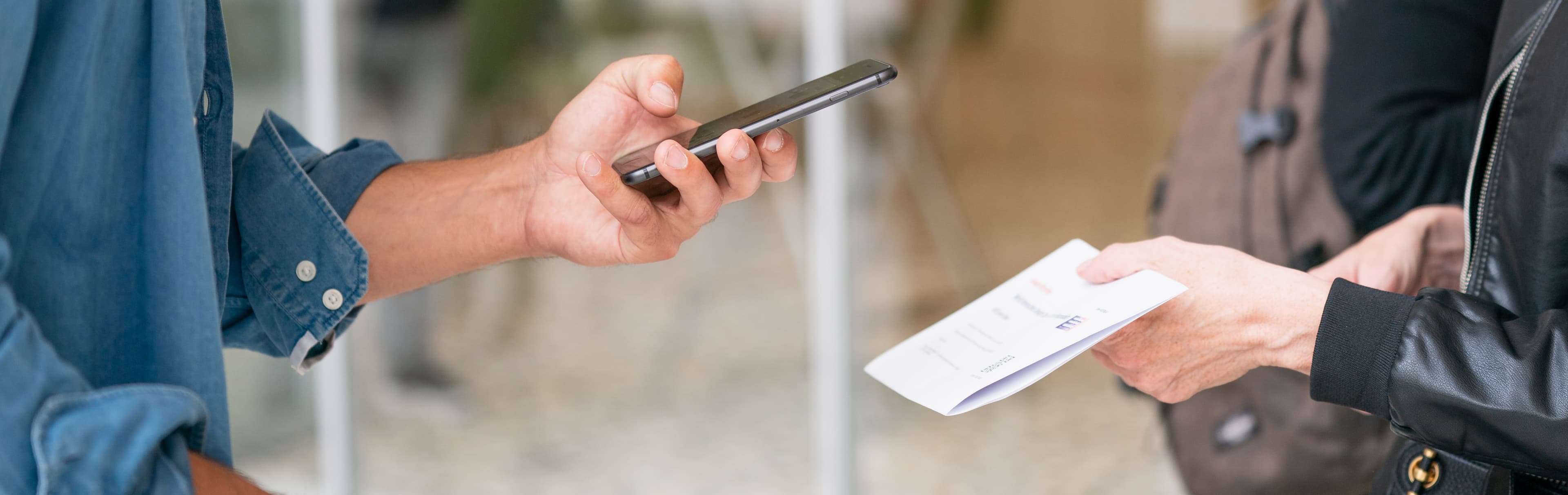
Users scan the QR code with their mobile device, which takes them to the digital signature.
- 6
Signed statements are viewable anytime with a click of the Signature button, all in one place.
This method of collecting signatures and personal data is also aligned with the General Data Protection Regulation (GDPR), so you can rest completely easy.
Keep everything in one place and save time. Spend it on what really matters: maintaining a high level of safety for your venues and your users.